Chapter-based notes
Topics, takeaways, quotes and timestamps help you find the right moment.
Upload a lecture recording — a few minutes later you get notes by chapter with timestamps, flashcards and review questions, and a chat that answers from this lecture.
Make notesIn your browser · sign-in required

Topics, takeaways, quotes and timestamps help you find the right moment.
Learn concepts with flashcards and test yourself with questions from the lecture.
Lectika adds visual explanations where they help explain the recording.
Clarify a term, ask for an example or an explanation of a difficult passage. The chat answers from your lecture, not from the internet.
Read online, download the PDF and export flashcards.
Examples are in Russian
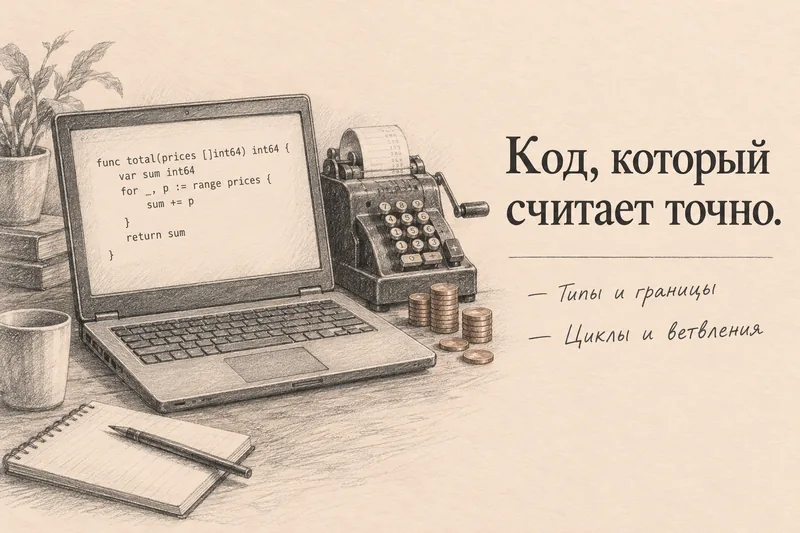
Programming lecture · on-screen code, cheat sheet, questions
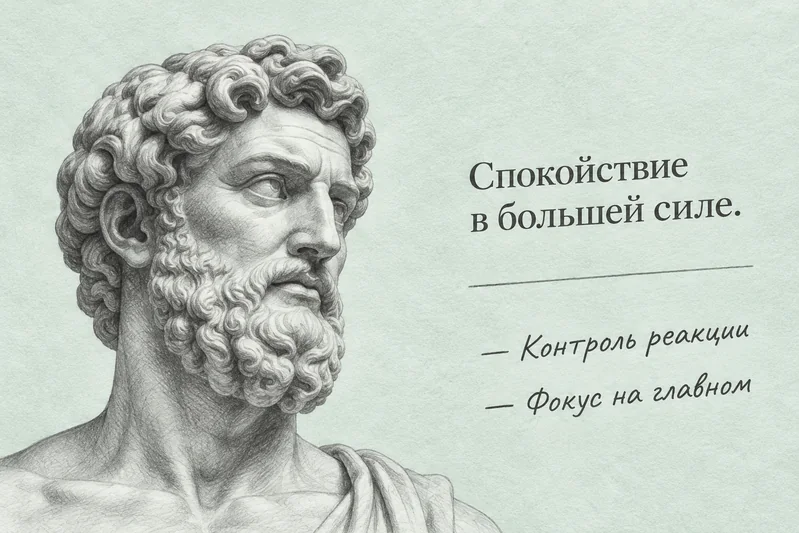
Yes. Lectika works with any audio and video: mp4, mov, mkv, mp3, m4a — up to 4 hours on paid plans, 3 on the free one. The cleaner the sound, the fewer mistakes in terms — and you can fix them right in the notes.
Yes, a VK Video or YouTube link, as long as the video is public. Private and restricted videos need to be downloaded and uploaded as a file.
A few notes a month for free, each recording up to 3 hours. Then a notes pack, valid for 12 months. Prices are on the pricing page.