



All your study tools
in one app.
Class schedules, AI chat, presentations from a topic and notes from a lecture recording.
Make notesIn your browser · sign-in required
The iPhone app is coming soon to the App Store, and an Android version is in development.
See an example
In the iPhone app · swipe through the screens
Sample notes
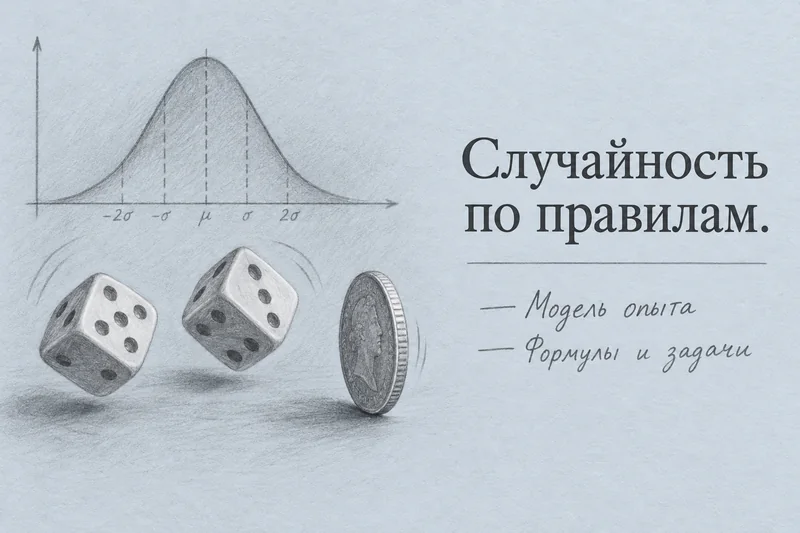
Three finished notes from real recordings — open and browse
Examples are in Russian
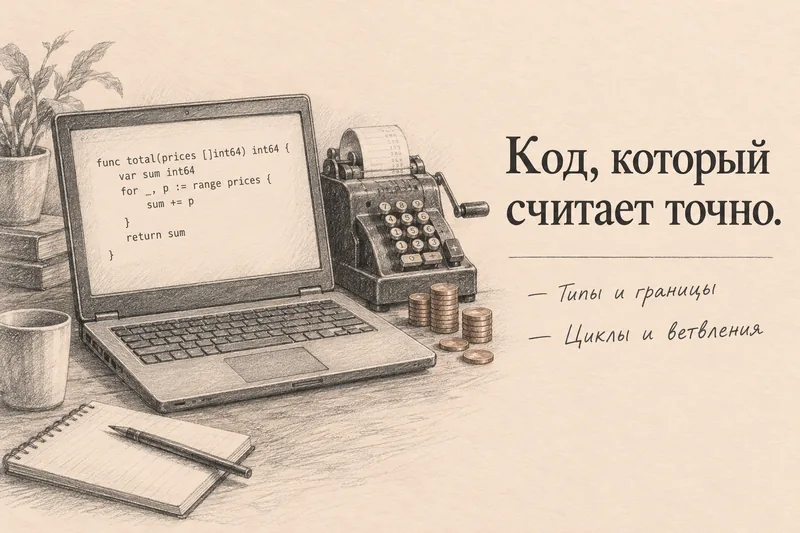
Programming in Go
Programming lecture · on-screen code, cheat sheet, questions
Try it with your own recording
Upload a lecture, meeting or interview. Lectika splits the recording into chapters and turns the key points into notes you can read online and download as a PDF.
How notes workFrom a lecture recording to notes in minutes.
Upload a lecture, call or interview — Lectika splits the recording into chapters, writes down the key points and builds flashcards. Free, no card required.
Make notesIn your browser · sign-in required
The iPhone app is coming soon to the App Store, and an Android version is in development.
App StoreComing soon Schedule in your browser →