Diagrams and tables
Appear where the recording has a process, a comparison or numbers.
Upload a call recording — Lectika writes out the decisions, tasks with owners and deadlines, and drafts an email to participants. No bot in the meeting.
Make notesIn your browser · sign-in required
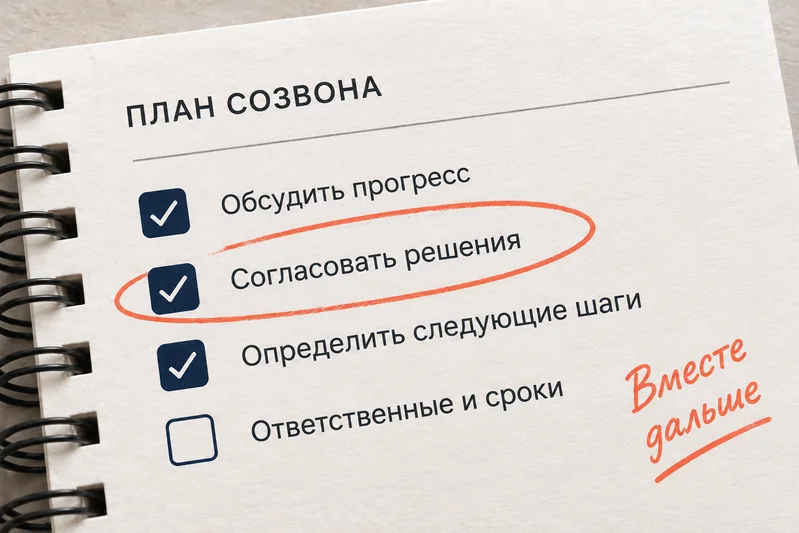
Weekly sync on release 2.0, onboarding and the investor demo
Release 2.0 moved to 18 September, leaving a week for testing after staging.
| Next step | Owner | Due date |
|---|---|---|
| Finish the database migration and deploy it to staging | Oleg | By Friday |
| Fix large file uploads, which are blocking the release | Ivan | By tomorrow |
| Tell the team about the release delay | Maria | Today |
Decisions, owners and deadlines appear in the notes when they were mentioned in the recording.
Appear where the recording has a process, a comparison or numbers.
Ask about the recording: the chat uses the notes and chapters as context.
Save the PDF and transcript, review flashcards or send the PDF to colleagues.
Examples are in Russian
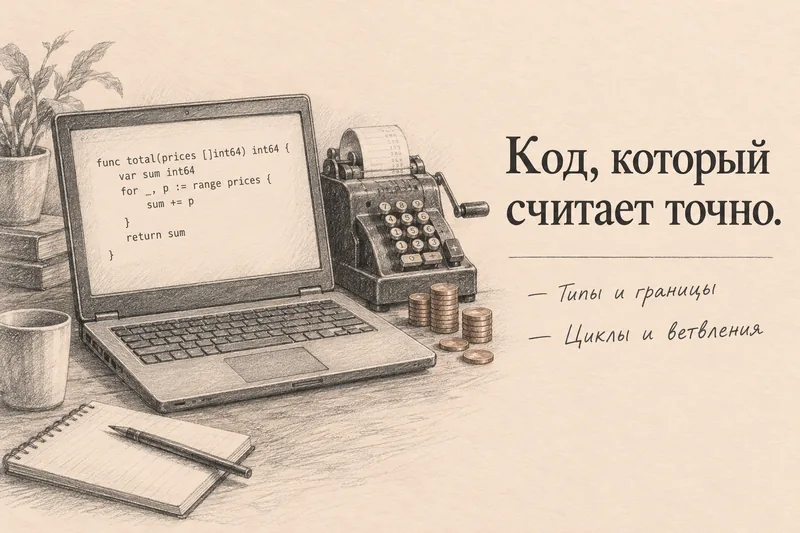
Programming lecture · on-screen code, cheat sheet, questions
No. Lectika works with the recording: turn on recording in Zoom, Telemost or Google Meet and upload the file after the meeting.
From the speech: “Oleg will do it by Friday” becomes a task with an owner and a date. If you enter the participants and the meeting date on upload, deadlines get more accurate; doubtful tasks are flagged “check”.
Only you. You can send the PDF to colleagues.