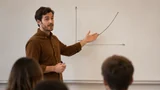
Upload a recording
A lecture, meeting or interview
Upload audio or video — Lectika recognises the speech and builds notes with chapters, timestamps and takeaways. The transcript can be downloaded separately.
Upload a recordingIn your browser · sign-in required
A lecture, meeting or interview
A few minutes later: chapters, takeaways, flashcards and diagrams
Read online or save a PDF
Appear where the recording has a process, a comparison or numbers.
Ask about the recording: the chat uses the notes and chapters as context.
Save the PDF and transcript, review flashcards or send the PDF to colleagues.
Examples are in Russian
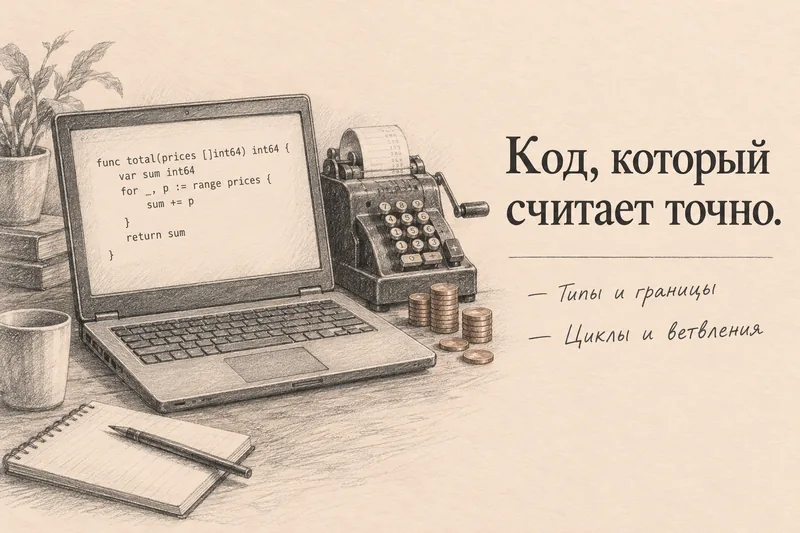
Programming lecture · on-screen code, cheat sheet, questions
A transcript is text; minutes are structure: what was decided, who does what and by when. The transcript is kept too, and you can jump into it by timecode.
On upload, expand “More” and enter the recording date and participant names — “by Friday” turns into a date and tasks get owners.
Yes: tick what's done, hide the noise, fix an owner or a deadline. Regenerate with one click.