Upload a recording
A lecture, meeting or interview
Upload audio or video — Lectika recognises the speech and builds notes with chapters, timestamps and takeaways. The transcript can be downloaded separately.
Upload a recordingIn your browser · sign-in required
A lecture, meeting or interview
A few minutes later: chapters, takeaways, flashcards and diagrams
Read online or save a PDF
Appear where the recording has a process, a comparison or numbers.
Ask about the recording: the chat uses the notes and chapters as context.
Save the PDF and transcript, review flashcards or send the PDF to colleagues.
Examples are in Russian
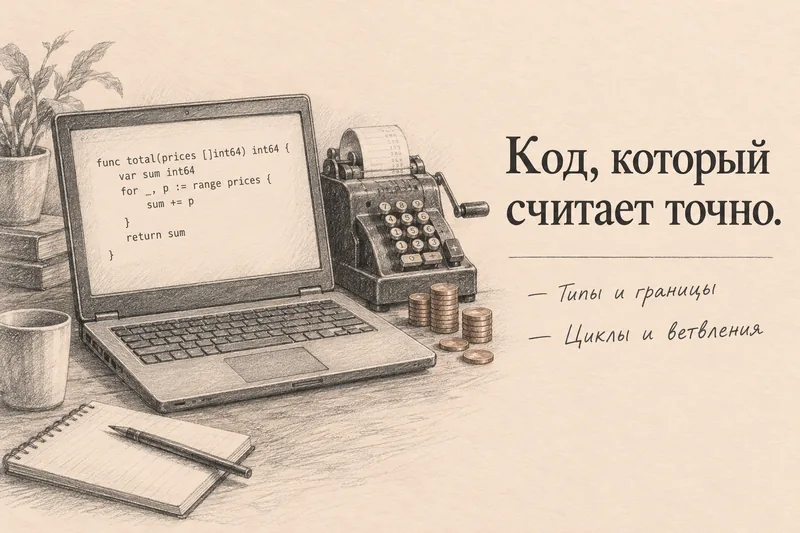
Programming lecture · on-screen code, cheat sheet, questions
Turn on recording in Zoom, Telemost or Google Meet, download the file after the meeting and upload it to Lectika. A screen recording works too.
Yes, Russian is Lectika's primary language; English too.
A few notes a month for free. Then a notes pack; prices are on the pricing page.